Furniture Background Removal Service
Turn cluttered shots into clean product photos. We hand-remove the background from every furniture image and set each piece on the background you need — pure white, transparent, light grey, or custom — ready for your website, store, or any marketplace, with on-demand rush delivery available.
What You Get
Backgrounds Removed, Cleanly
From a simple clipping path to intricate image masking, we match the method to each piece — every edge hand-cut by an editor, not a one-click filter.
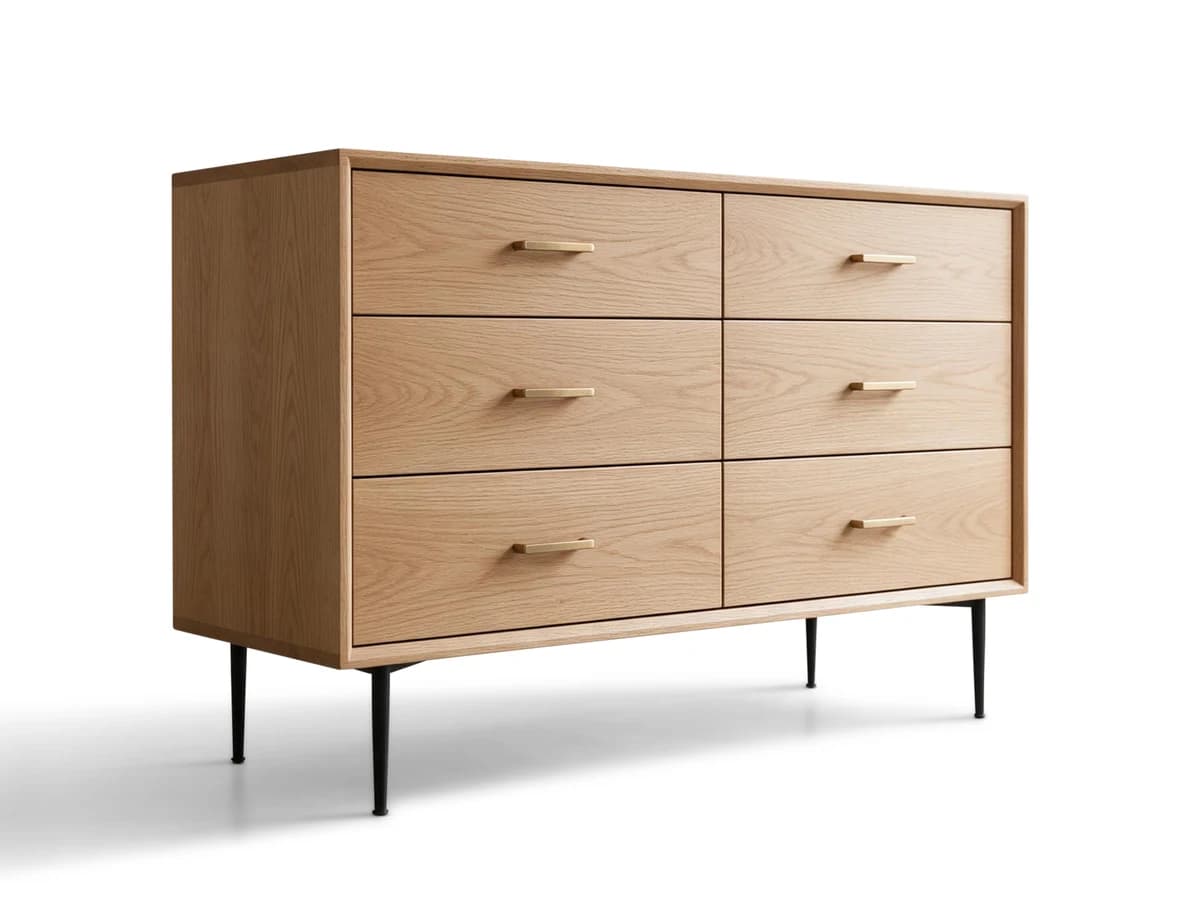
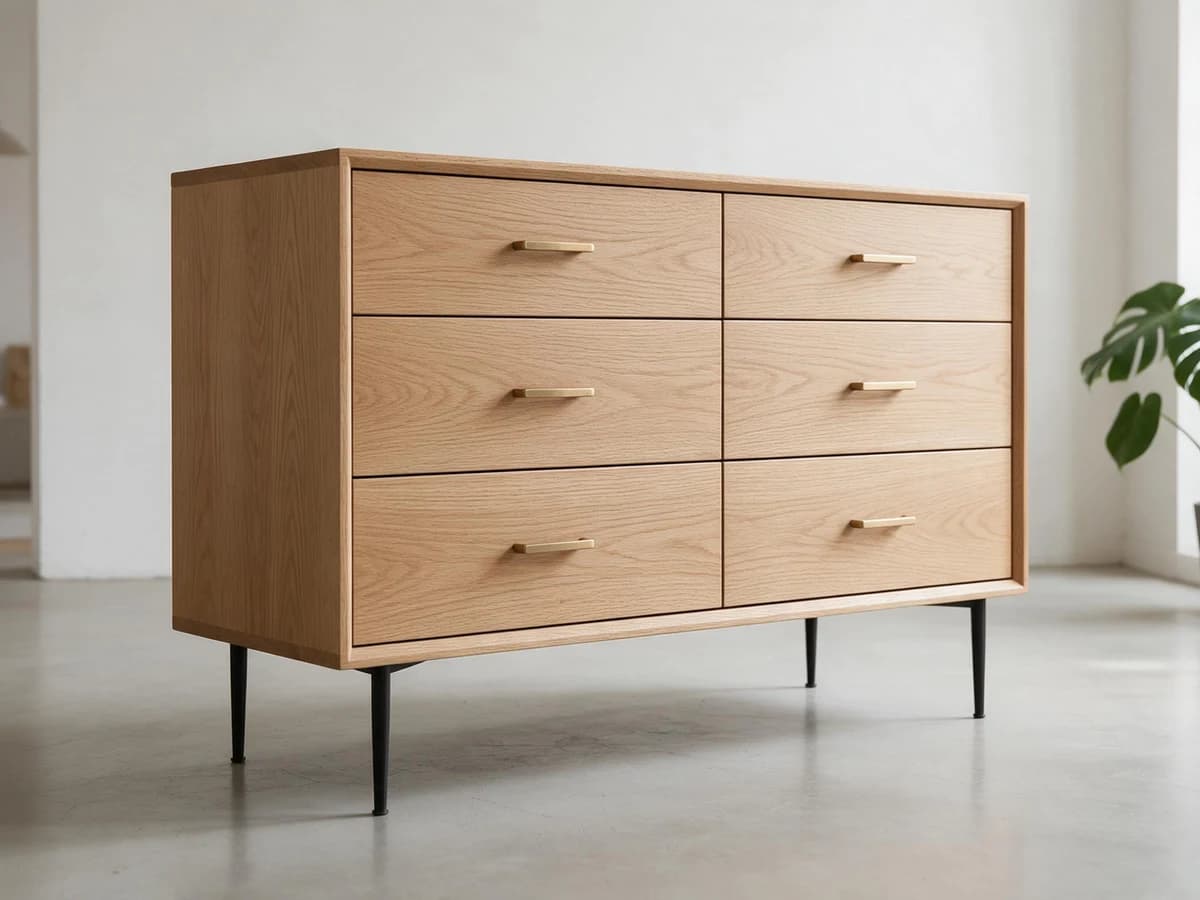
Clipping Path
Vector pen paths for crisp, defined edges — tables, cabinets, sofas, and thin legs that need a precise outline. Also known as deep etch in AU and NZ.
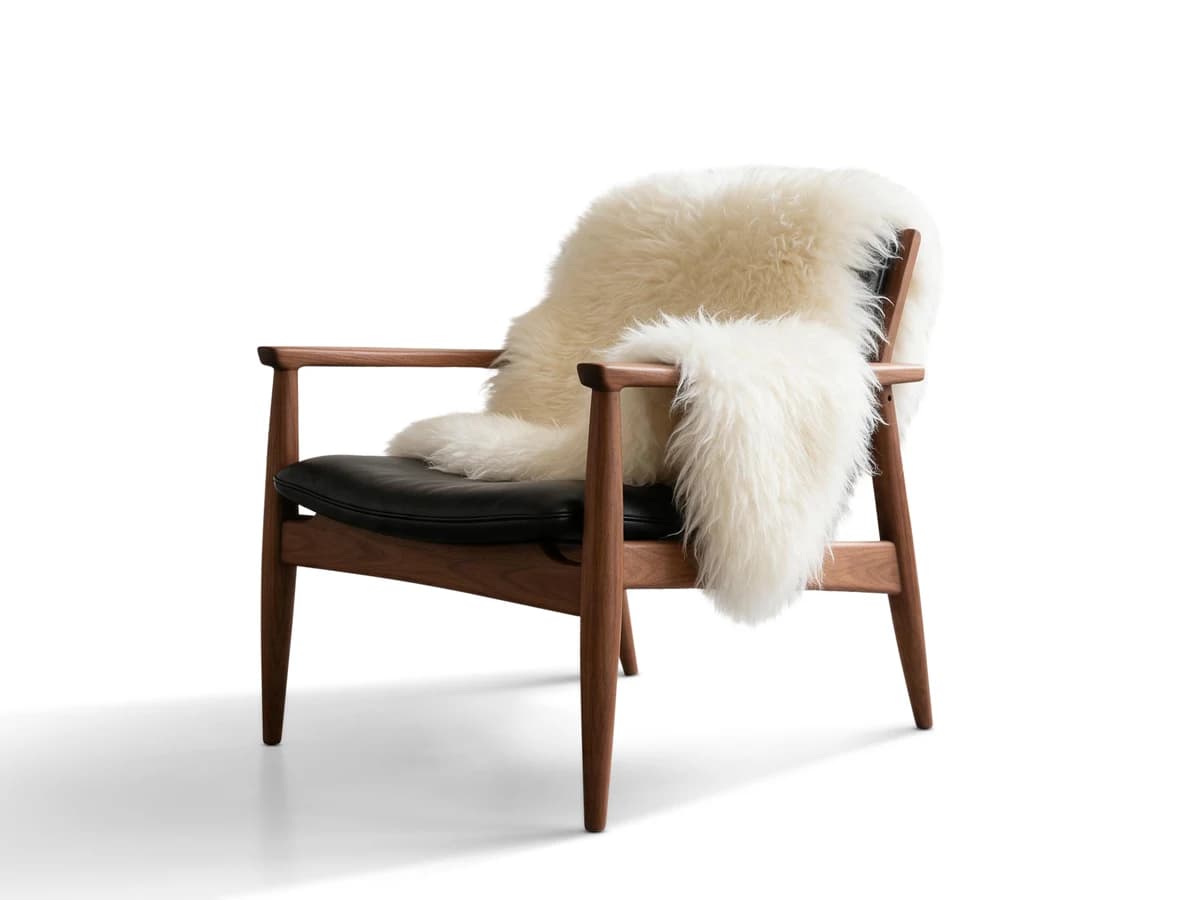
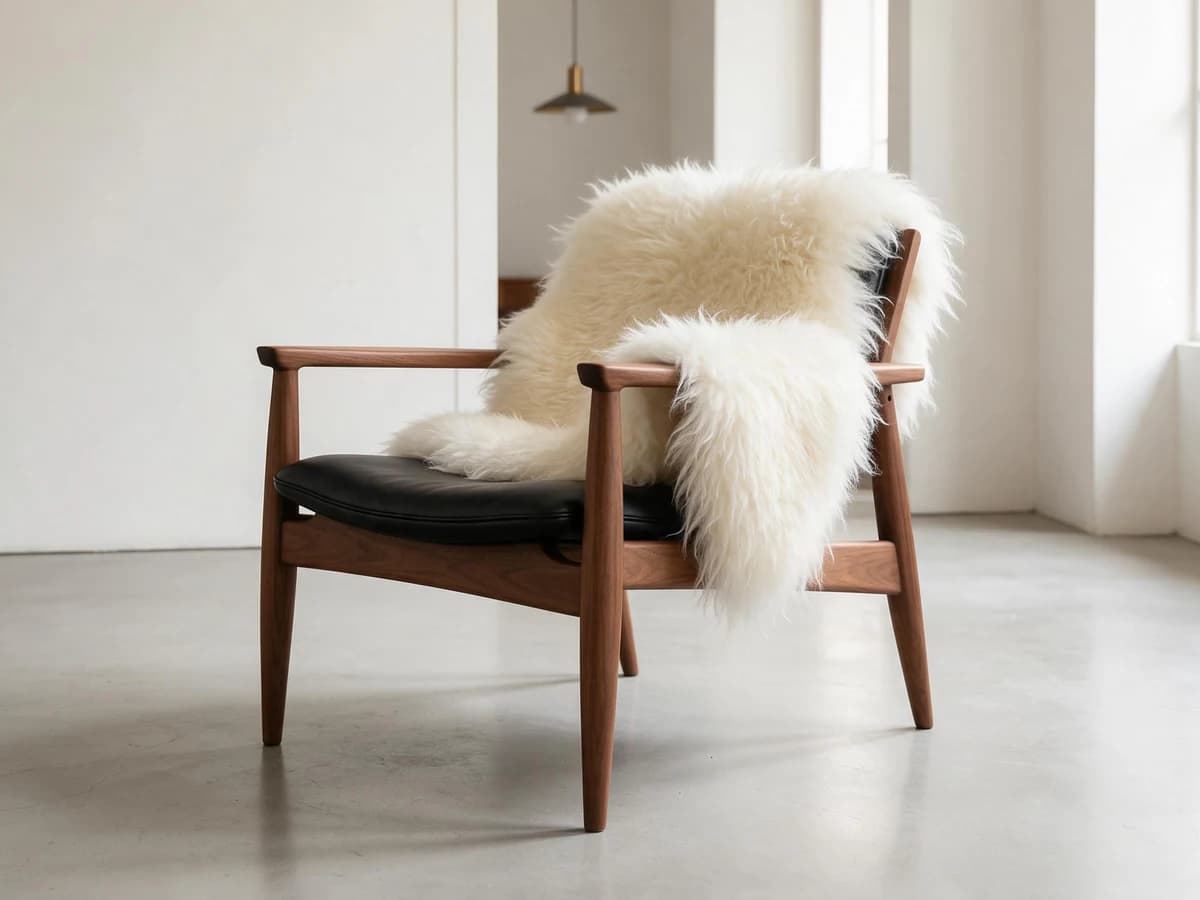
Image Masking
Pixel-level masking for soft or see-through edges — rattan, cane, mesh, glass, and sheer fabric. Every strand and gap kept, no halos.
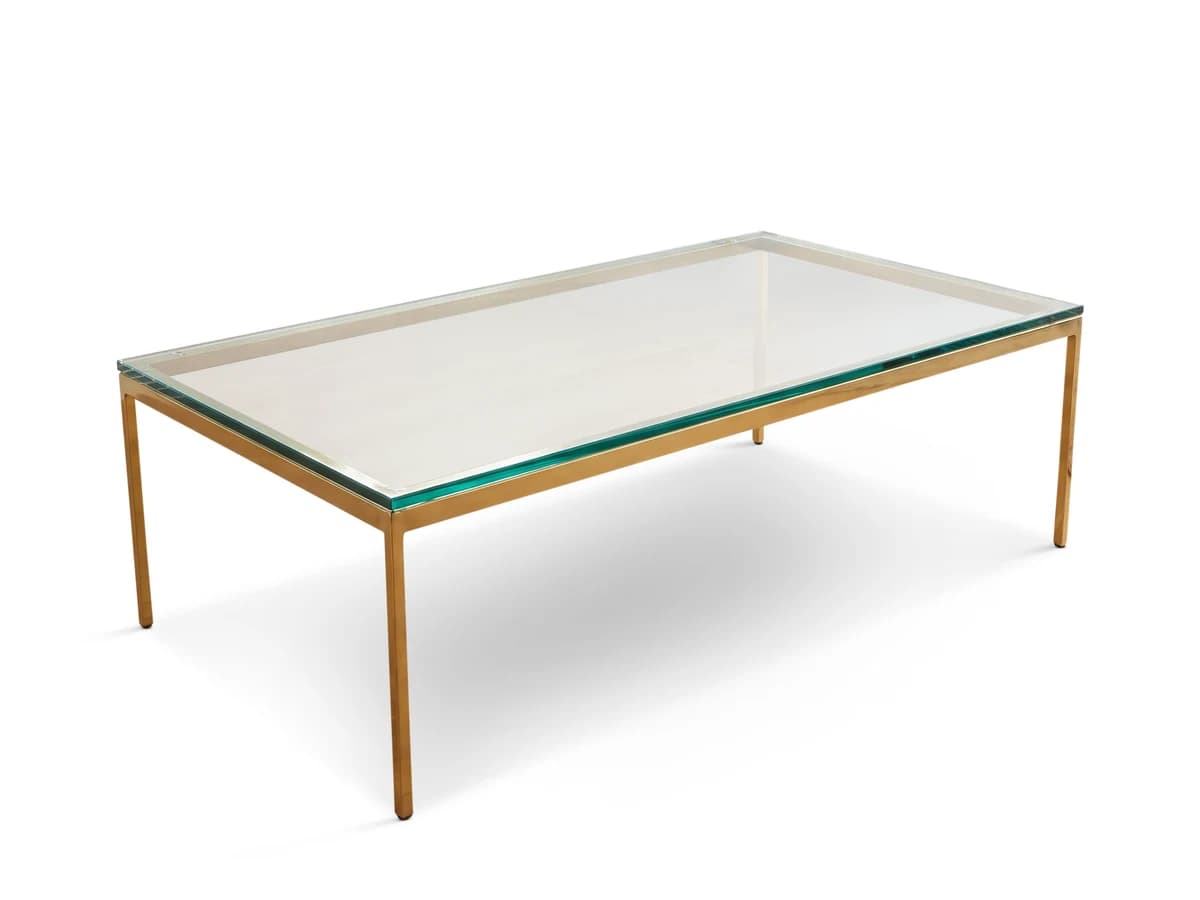
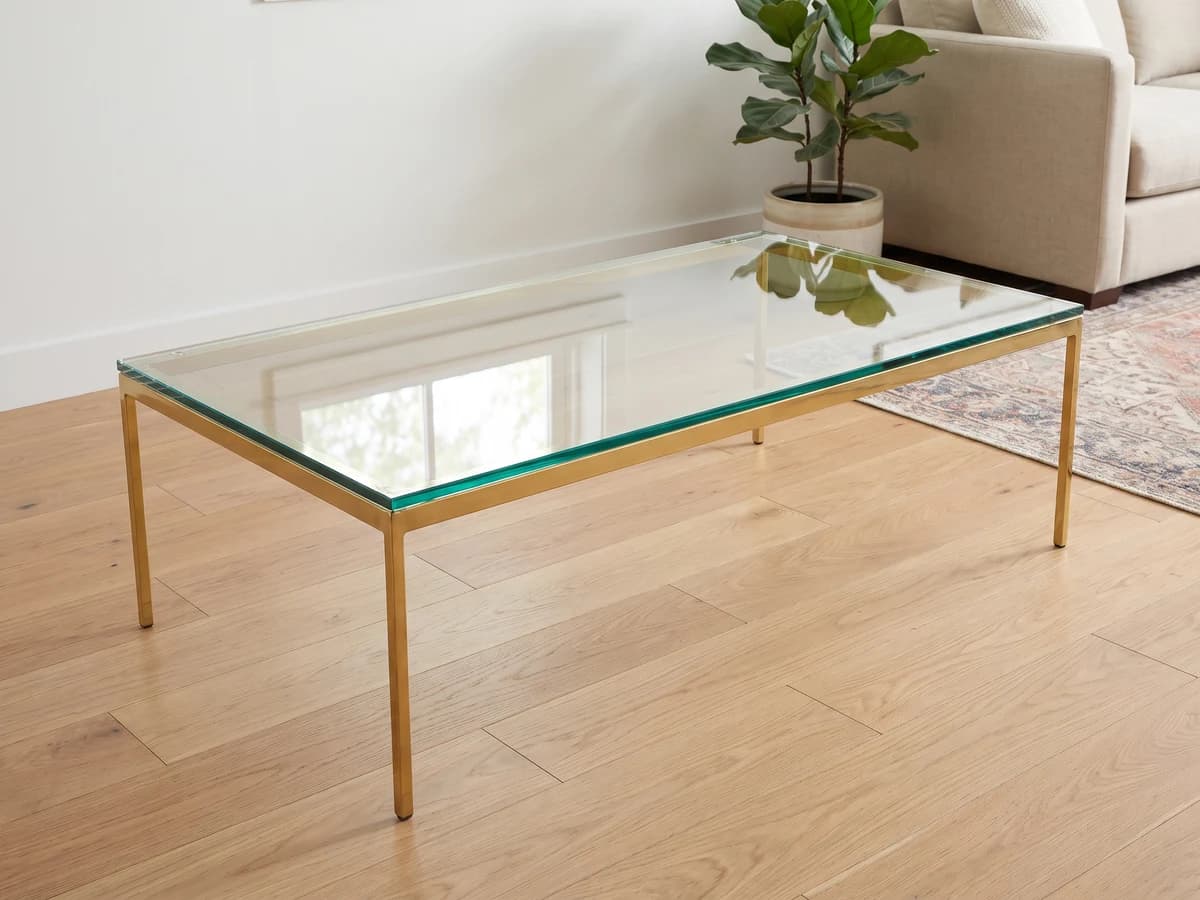
Path + Mask
The two methods combined for pieces that need both — a solid wooden frame with a woven back, or crisp hard edges beside fine, delicate detail.
Every method delivers a clean cut-out — a “silo” on pure white or a transparent background, ready for your website, store, and marketplaces like Amazon, Wayfair, Houzz, 1stDibs, Bed Bath & Beyond, and Shopify.
PNG, PSD, and TIFF keep the transparency.
Gallery
Sample Cut-Outs
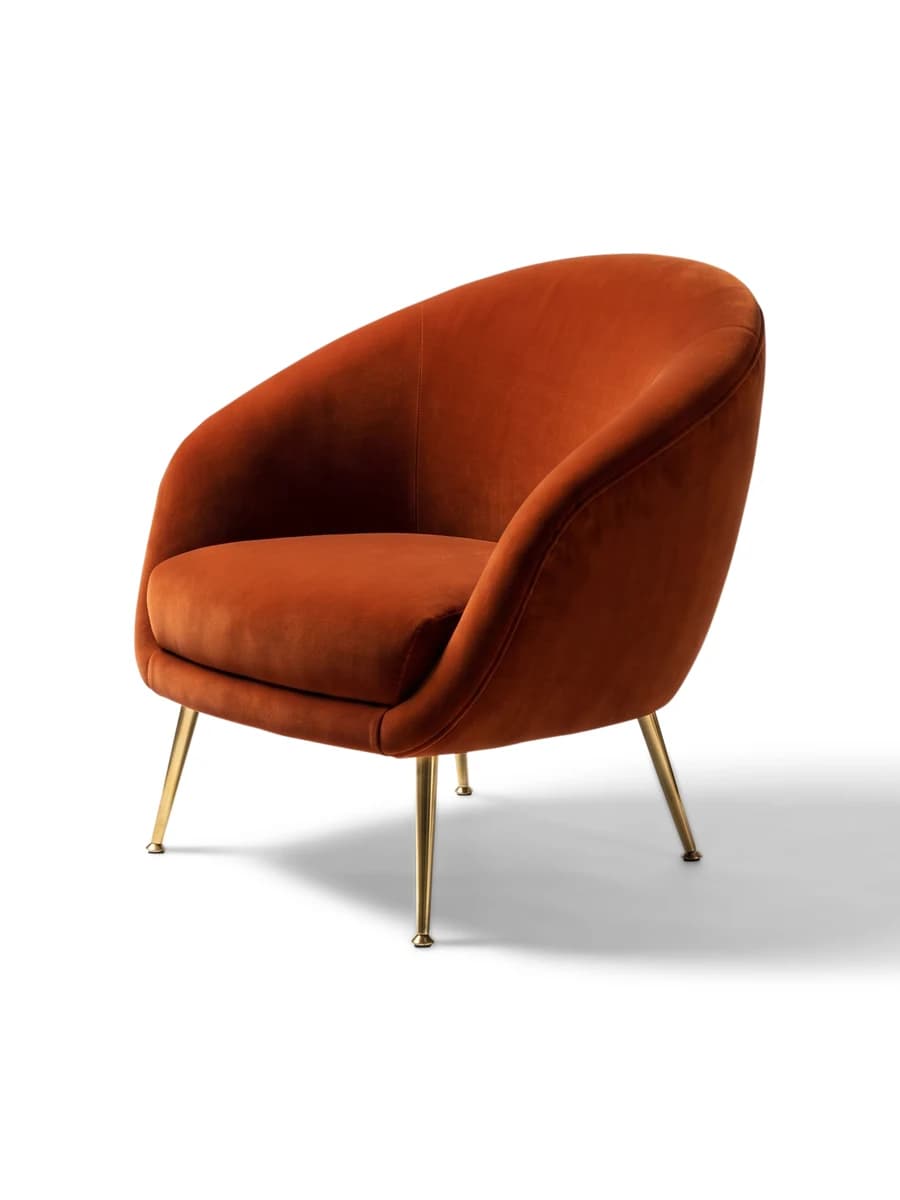
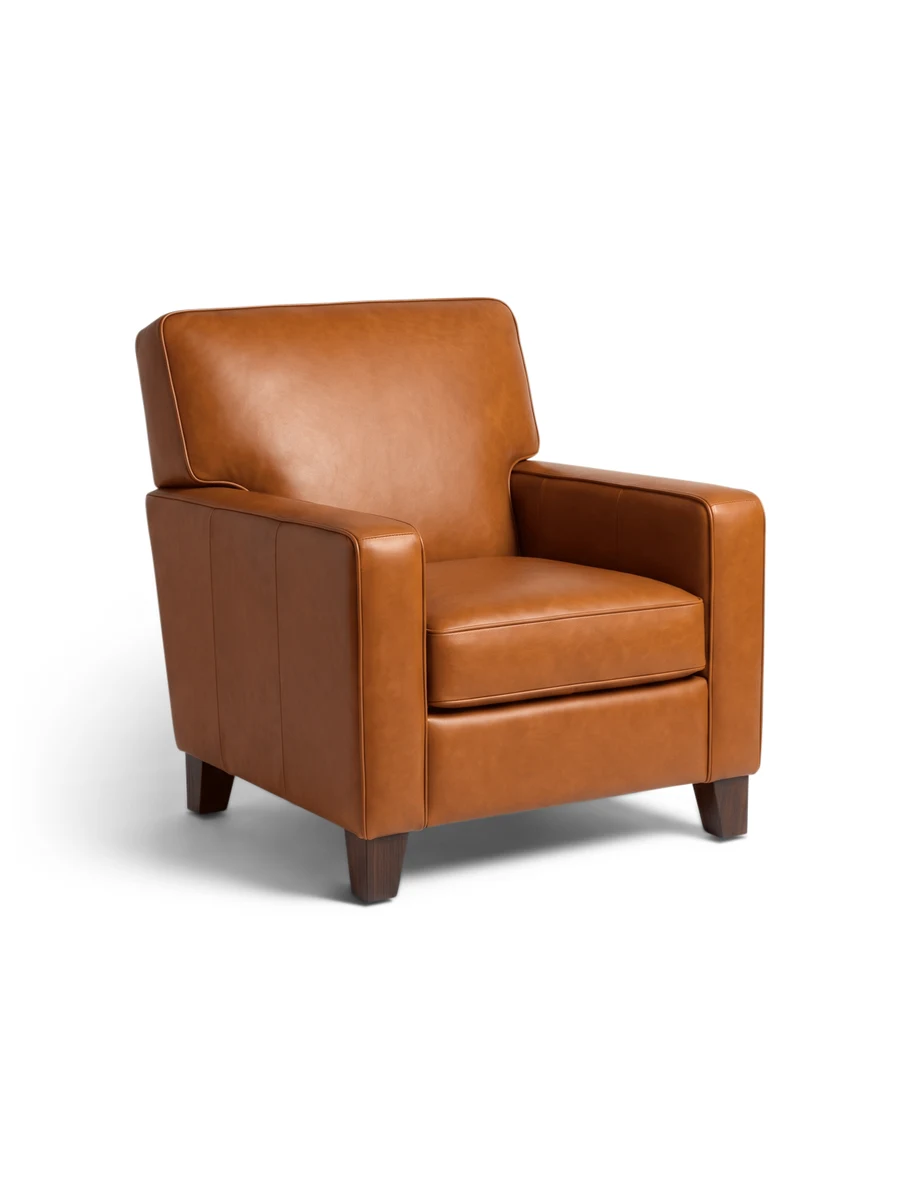
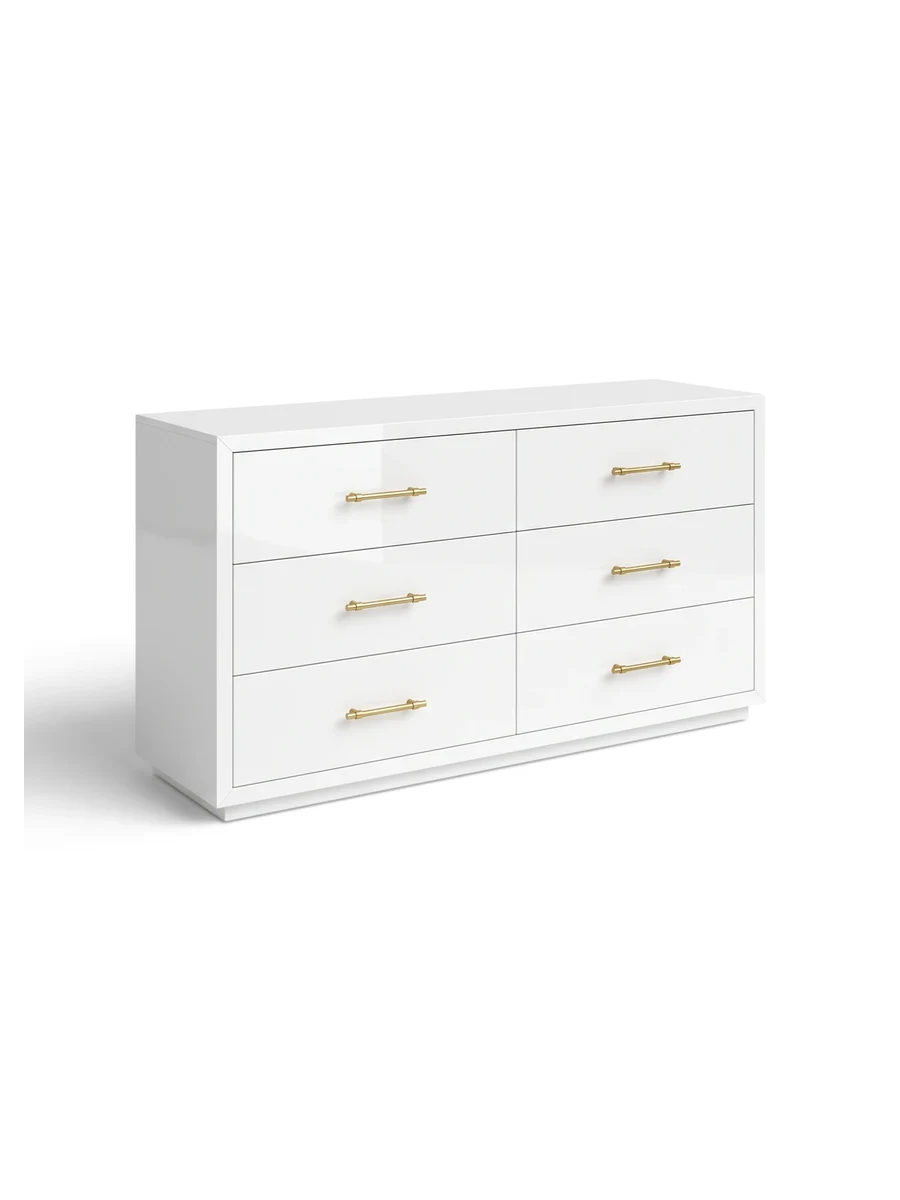
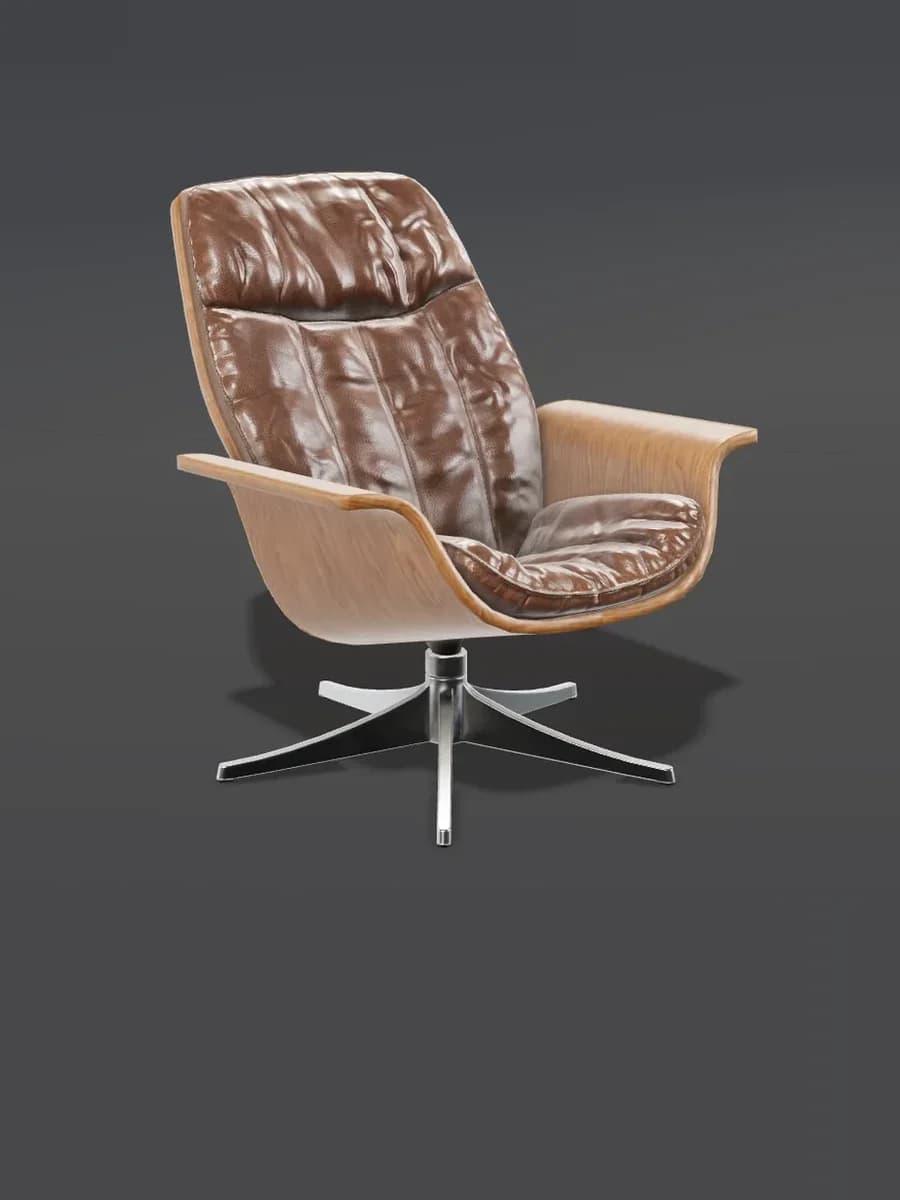
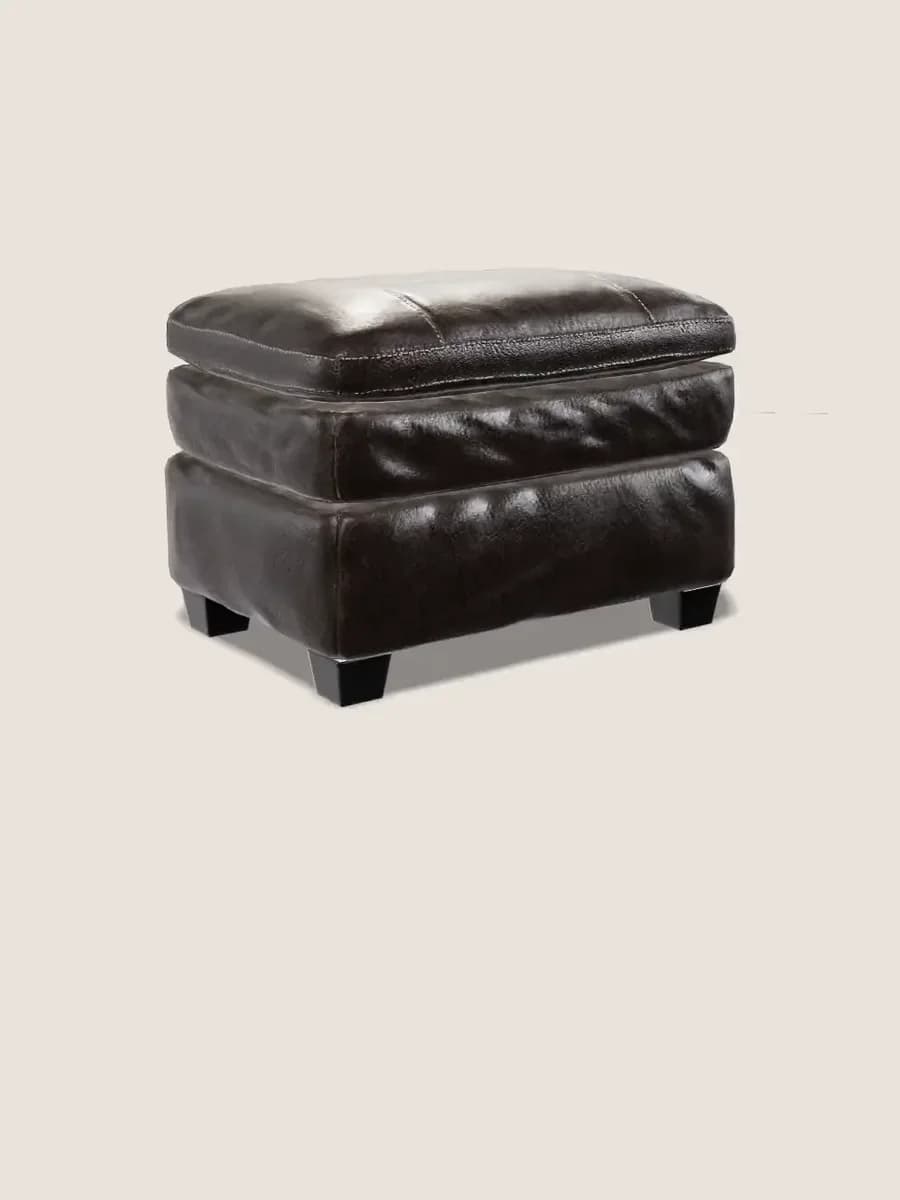
Real furniture, cleanly lifted from the background — texture, edges, and fine detail kept intact, the same quality we deliver on every order.
The Editing Myth
Clipping Path vs Image Masking
Both remove the background — but they suit different edges, so the trick is matching the method to the piece. Here’s when we reach for each.
Clipping Path
A hand-drawn vector outline — pixel-precise on defined, hard-edged objects. It doubles as a reusable selection for color changes, shadows, and compositing later.
- Sharp, straight, and curved edges
- Reusable path for future edits
- Best for hard-surfaced furniture
Image Masking
Pixel-level masking that handles soft, fuzzy, and intricate edges — rattan, fabric, mesh, and fine detail that a path alone can’t capture cleanly.
- Fine, soft, and irregular edges
- Preserves texture and translucency
- Best for woven, mesh, or detailed pieces
Why It Matters
Clean Backgrounds That Sell
Strip the clutter and every eye lands on the furniture — and on the buy button.
Professional Presentation
Clean, distraction-free product shots that look premium and build instant trust with shoppers.
Creative Freedom
Drop your furniture onto any background, lifestyle scene, or brand color — reuse one polished asset everywhere.
Boosted Online Sales
Crisp, consistent imagery lifts conversions and reduces returns across every channel you sell on.
The Process
Easy Like 1-2-3
From sign-up to download in three simple steps — manage your orders, quotes, and invoices in one easy dashboard.
Login / Register
Sign in to your existing account, or register a free new one in seconds to reach your personal order dashboard.
Create Order / Request Quote
Choose the services you require and select your preferred turnaround time, then submit your order or quote.
Download Finished Images
You’ll receive a notification within your chosen turnaround time. Just click the link to download your files.
FAQ
Common Questions
The details sellers ask about before outsourcing their furniture background removal to a specialist editing team.
Can you handle tricky pieces like thin legs, rattan, glass, and mesh?
Yes — these are exactly where automatic tools fail. Every cut-out is done by hand, so thin chair legs, woven rattan, glass panels, and fine mesh keep their real edges, with no halos and no missing gaps.
What file formats do you deliver, and which keep transparency?
Whatever you need — JPEG, PNG, PSD, TIFF, and more. PNG, PSD, and TIFF preserve a transparent background; JPEG is best when you want the piece on solid white.
Can you also add shadows or correct the color after removing the background?
Yes — many furniture catalogs pair a clean cut-out with shadow creation for natural depth and color correction for true-to-life tones. Tell us what you need and we’ll handle it in one pass.
How much does furniture background removal cost?
Pricing starts at $0.50 per image and drops with volume — request a quote and we’ll price your exact set before you commit.
How fast is turnaround?
Our standard turnaround is 48 hours, with 24-hour or 72-hour options to fit your timeline — plus on-demand rush delivery for tight deadlines. Full catalogs are scheduled so quality stays consistent across every image.
Do you offer a free trial and bulk pricing?
Yes — try us free on a sample set to judge the quality first, and ask about bulk rates for full catalogs; the per-image price drops as volume goes up.
A complete editing makeover — combine our services for consistent, sales-ready visuals across your entire catalog.
Speak with an Expert
Connect with our specialists for guidance on furniture image editing and tailored solutions.